
Mallowmo
A downloadable game for Windows and macOS
Mallowmo is a tiny desktop pet that lives along the bottom of your screen while you work. Every now and then a shark fin glides past. "aah, a shark!" It bolts… then peeks back.
A tiny pet that keeps you company while you work
On Windows it walks just above your taskbar; on a Mac it stays up in the menu bar and hops down to the bottom of your screen now and then. It wanders back and forth, stops to stare at your cursor, follows it when it's curious, and curls up for a nap when you step away. You can also pick it up and move it to the side. The transparent area around the pet lets clicks through to the windows behind it.
A new pet may get its first shark visit early. Close its room, leave full-screen apps, and use your computer for a little while. After that, you never know when.
Moments you'll want to show a friend
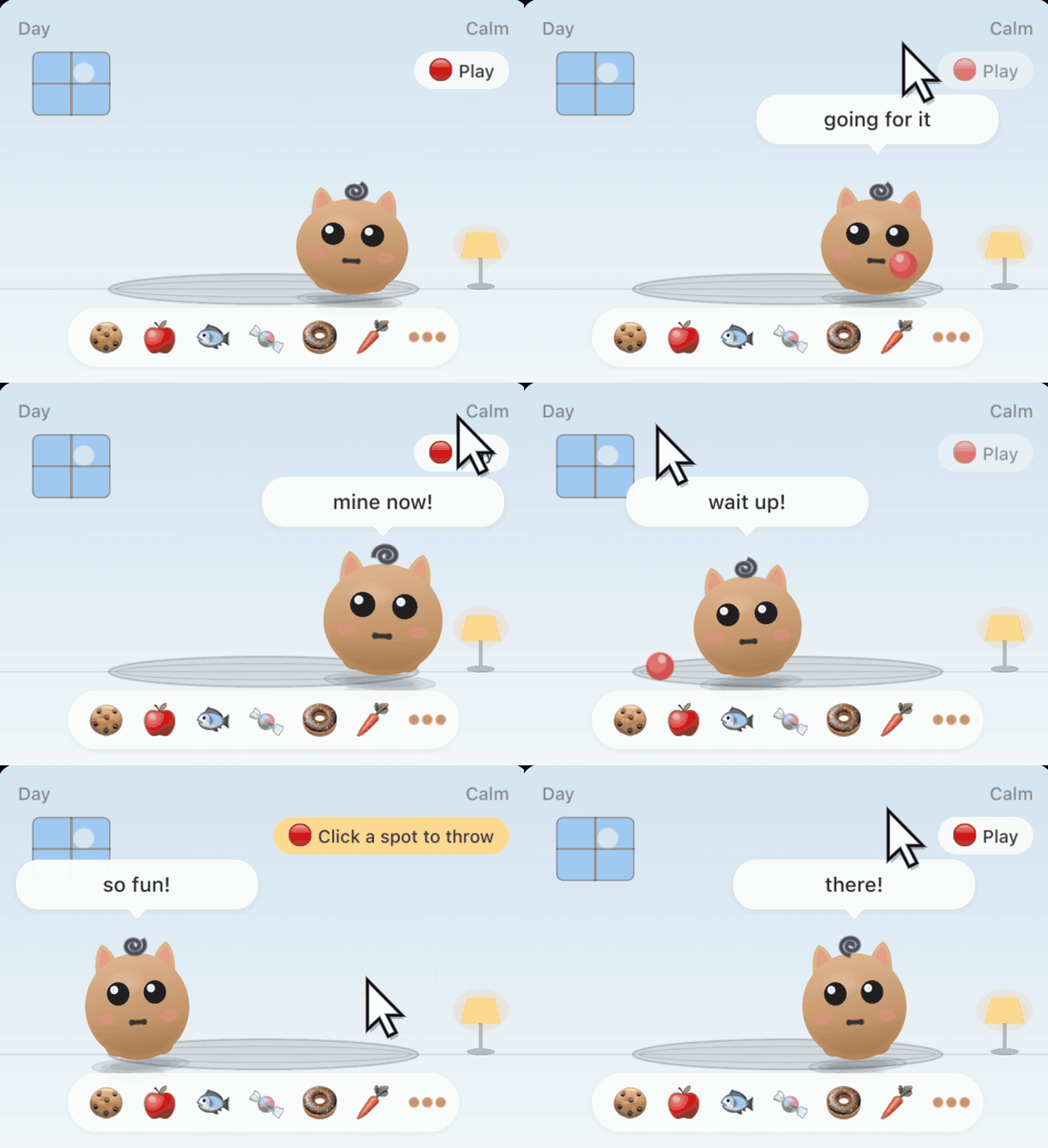
- Sleepy fetch — toss a ball at your napping pet. It might fetch it with its eyes closed, hug it and doze off again… or get bonked on the head.
- Lights out — place the lamp in its room, then turn it off and it tucks itself in.
- A bird at the window — click the window while your pet is awake and a little bird drops by. Click the plant and it sometimes sneezes; click the rug and it rolls around.
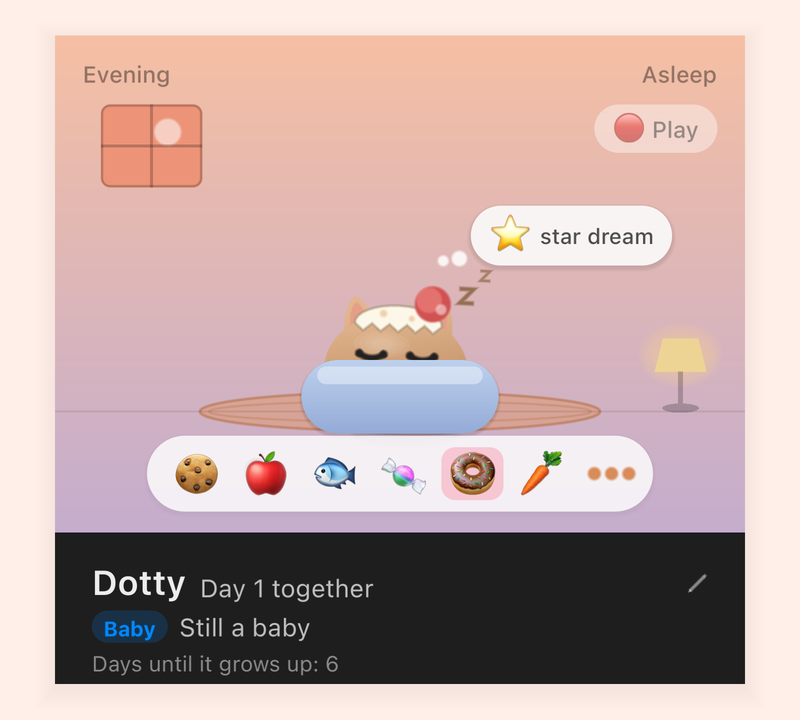
- Favorite snack — there are six snacks, and every pet has its own favorite. Once you know it, try offering it mid-nap.
- Overdo the petting and it'll sulk ("hands off!").
It grows into your very own pet
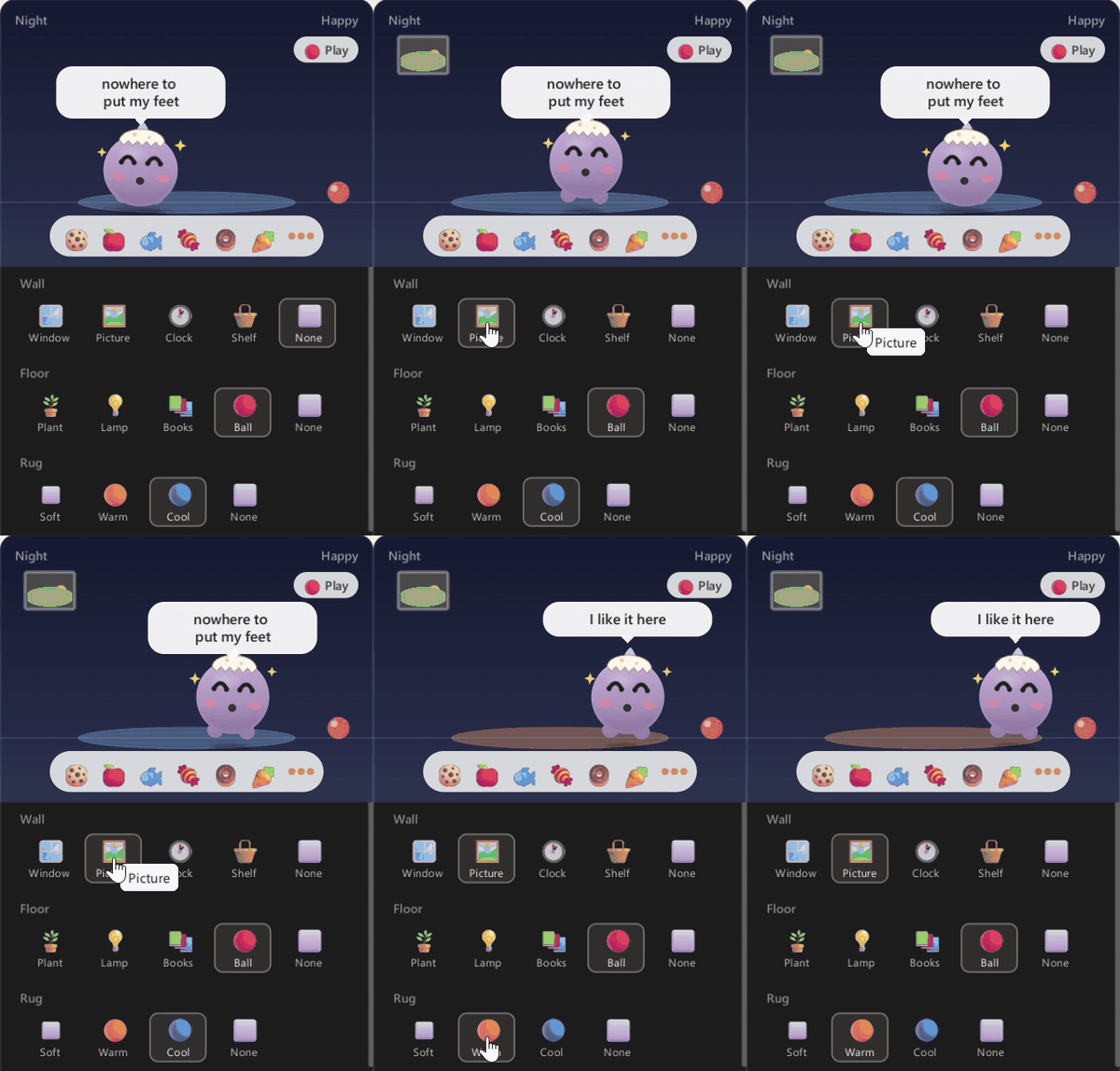
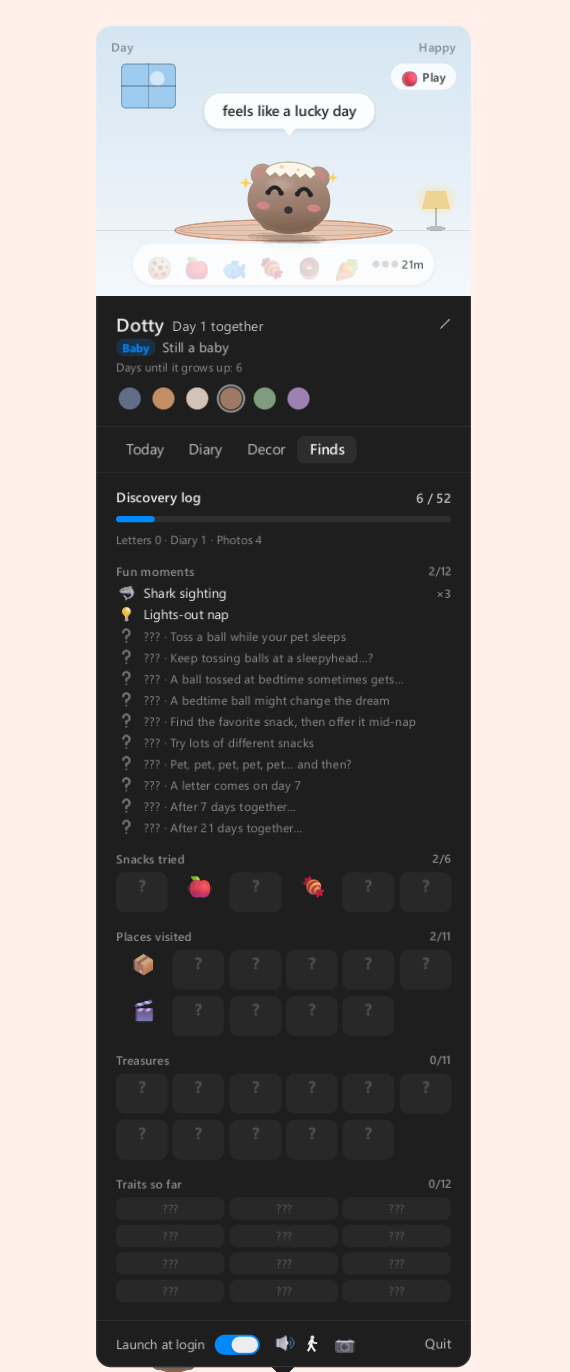
- Double-click your pet (or click its icon in the system tray, or in the menu bar on a Mac) to open its small room. Play, share snacks and decorate here (4 wall items, 4 floor items and 3 rugs).
- About three weeks after you meet (counted by date, not by hours the game is running), it's all grown up. Habits like whether you use your computer at night or in the morning shape its traits, and once one stands out it settles into one of twelve personality types. Some pets take longer to settle.
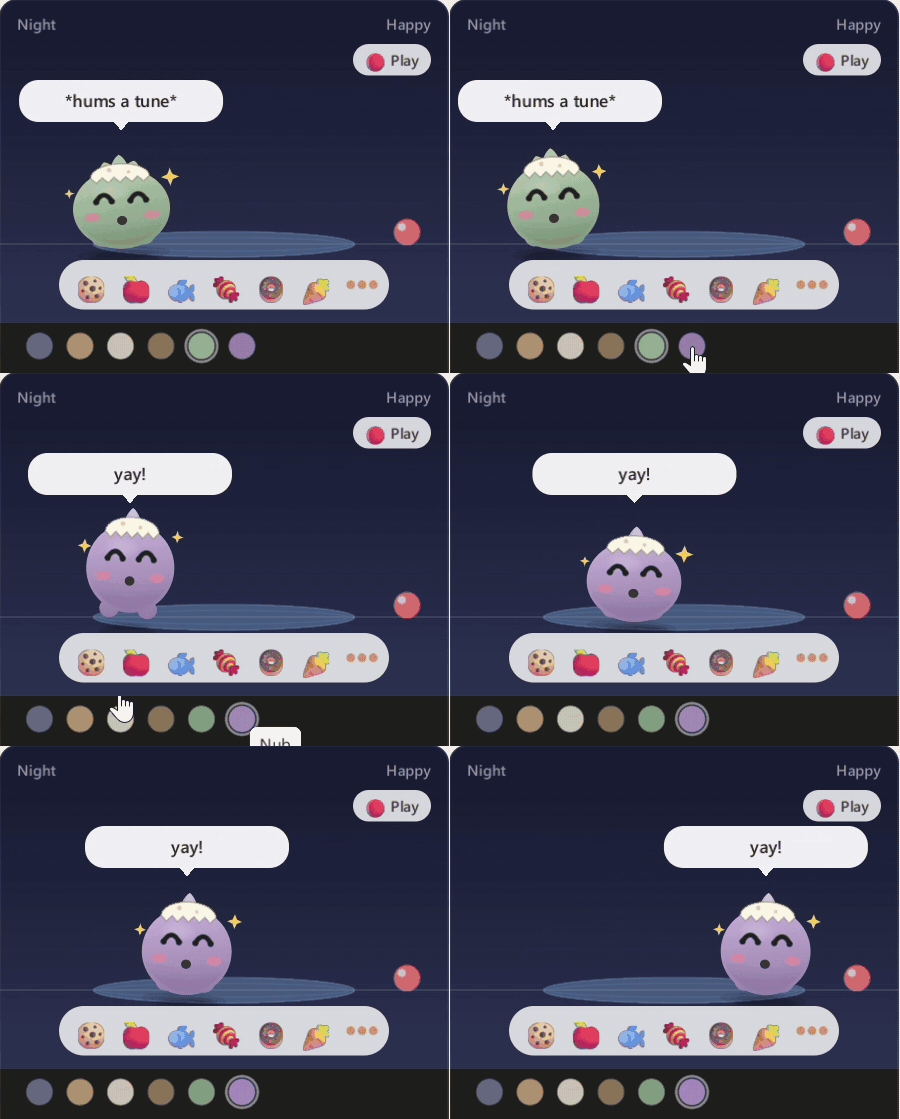
- Choose one of six looks and change it whenever you like. All six are included; no extra purchase needed.
- Diary and letters — a short diary entry about your day together, from a tiny pet's point of view. Letters arrive on day 7, day 100 and after a whole year (counted by date)… and sometimes for no reason at all.
Collect and show off
- A 52-entry discovery log — fun moments, snacks tried, places explored, treasures it brings home and personality traits as they show up. Fun moments you haven't seen yet come with a hint. The personality entries come in opposite pairs, so one pet rarely fills them all.
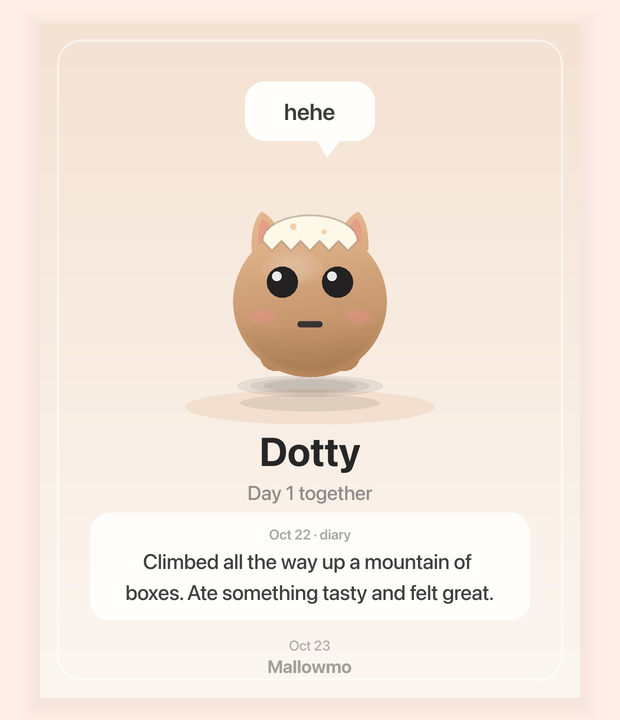
- Photo cards — click the camera button in its room to save a photo card of your pet, with its name and days together, to Pictures/Mallowmo by default. Only the card is saved; Mallowmo never captures your screen.
- Weekly card — your past seven days together (time together, trips, snack days and fetch) on one tall card, ready to copy or save and share.
Your computer is its whole world
A busy CPU wears it out like a hot summer day. A low battery makes it droopy. Up late? It stays up with you, yawning. With your permission, counts of items in your Downloads, Pictures and Videos folders become material for little adventure stories (it never reads file contents).
Privacy
To react, it looks at where your cursor is and whether a full-screen app is in front, and it notices newly installed apps by name (Start menu shortcuts on Windows, the Applications folder on a Mac). None of this leaves your computer. Pet reactions and diary entries are created on your computer, and save data, settings and photo cards stay there too. Mallowmo doesn't send anything over the internet — no account, no sign-in, no launcher.
Good to know
- You raise one pet (this isn't a multi-pet game).
- DRM-free. Download the .zip for your system, unzip it, and run Mallowmo.
- Interface languages: 한국어, English, 日本語, 简体中文. No voice acting.
First launch
Windows: Unzip the whole folder first, then run Mallowmo.exe. If Windows shows "Windows protected your PC", click "More info" → "Run anyway". (The app isn't code-signed yet.)
Mac: Unzip, then drag Mallowmo.app into your Applications folder before opening it (this keeps "open at login" working). The app isn't notarized by Apple yet, so the first time:
- Double-click Mallowmo. A message says it couldn't be verified — click Done.
- Open System Settings → Privacy & Security, scroll down, and click "Open Anyway" next to Mallowmo.
- Follow the password prompt, then click "Open" (or "Open Anyway") in the confirmation dialog. Button wording may vary by macOS version. After that it opens normally.
(On macOS 13–14 you can also right-click Mallowmo.app → Open → Open.)
System requirements
Windows: Windows 10 or 11 (64-bit) · 64-bit (x86-64) processor · 1 GB RAM · OpenGL 3.3 compatible graphics · 300 MB free space
Mac: macOS 13 Ventura or later · Apple silicon or Intel 64-bit · 1 GB RAM · OpenGL 3.3 compatible graphics · 500 MB free space
한국어 안내
Mallowmo(멜로모)는 일하는 동안 화면 아래쪽에서 같이 지내는 작은 데스크톱 펫이에요. 윈도우에서는 작업 표시줄 바로 위를 걷고, 맥에서는 메뉴 막대에 있다가 가끔 화면 아래로 내려와요. 커서를 빤히 보고, 자리를 비우면 낮잠을 자고, 가끔 상어 지느러미가 지나가면 "으악 상어!" 하고 도망갔다가 빼꼼 돌아와요.
약 3주(날짜로 세요)에 걸쳐 컴퓨터 쓰는 습관에 따라 열두 가지 성격 중 하나로 자라고, 일기·편지·사진 카드·발견 기록장 52칸이 쌓여요. 모습 여섯 가지는 모두 기본 포함이에요.
화면 언어: 한국어·English·日本語·简体中文. 인터넷으로 아무것도 보내지 않아요(계정·로그인 없음).
처음 켤 때 — 윈도우: 압축을 다 푼 뒤 Mallowmo.exe 실행, "Windows의 PC 보호" 창이 뜨면 "추가 정보" → "실행". 맥: 압축을 풀고 Mallowmo.app 을 응용 프로그램 폴더로 옮긴 뒤 열기 → "확인할 수 없음" 창이 뜨면 "완료" → 시스템 설정 → 개인정보 보호 및 보안 → 아래쪽 "그래도 열기".
Contact
mallowmogame@gmail.com
YouTube https://www.youtube.com/@Mallowmo · X https://x.com/mallowmogame · Instagram https://www.instagram.com/mallowmogame · TikTok https://www.tiktok.com/@mallowmogame
Purchase
In order to download this game you must purchase it at or above the minimum price of $5.99 USD. You will get access to the following files:
Development log


Leave a comment
Log in with itch.io to leave a comment.